Summarize a number list
Calculate exact count, sum, mean, median, repeated modes and range from signed decimals. Choose parsing rules, inspect ignored blanks and copy statistics without putting the whole dataset in the report.
Choose the calculation before entering the numbers. A percentage of an amount, a change from an original value and a ratio between dimensions answer different questions.
Calculate exact count, sum, mean, median, repeated modes and range from signed decimals. Choose parsing rules, inspect ignored blanks and copy statistics without putting the whole dataset in the report.
Start from one radius, diameter, circumference or area. Choose explicit linear or squared units, calculate with unrounded intermediates and export approximate measurements with their unit labels.
Use the tip calculator to apply your chosen percentage or fixed tip, optionally round the final total up, and divide it among people. Review the exact numbered allocation: spare minor units go to the first people so all shares add up.
Choose inclusive bounds and quantity, with or without repeated values. Generate a batch, then change sorting or separators without redrawing; copy or download all numbers, including values beyond safe floating-point precision.
Use the percentage calculator for a percentage of an amount or to find what percentage one value represents of another. Check which value is the whole before interpreting the result as a share or proportion.
Choose percentage change for a comparison against an original value, or an increase or decrease when applying a known rate. Symmetric percentage difference is a separate comparison and should not be substituted for a directional change.
Use the aspect ratio calculator to reduce a width-to-height ratio, calculate a missing proportional dimension, or estimate centered padding and cropping. Use the image guide when you are ready to edit the actual picture.
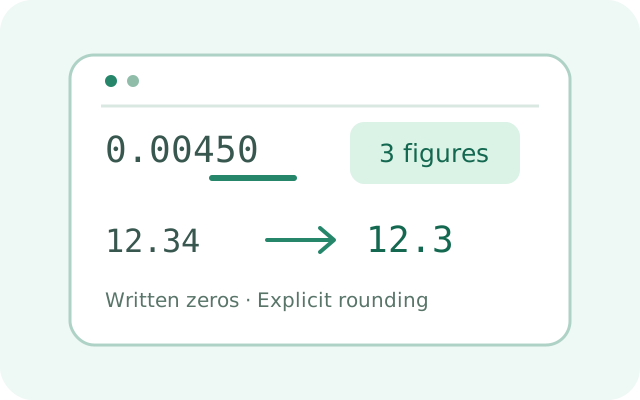
Count written significant figures, declare ambiguous integer zeros, round with explicit ties and calculate two measured numbers using precision rules.
Open tool
Convert exact decimal strings to scientific and engineering notation, retaining written zeros with bounded plain decimal expansion.
Open tool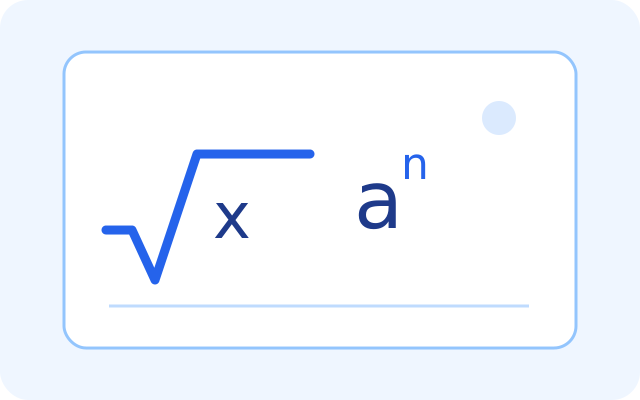
Calculate real powers and square, cube or nth roots with bounded decimal precision, real-domain checks and brief steps.
Open tool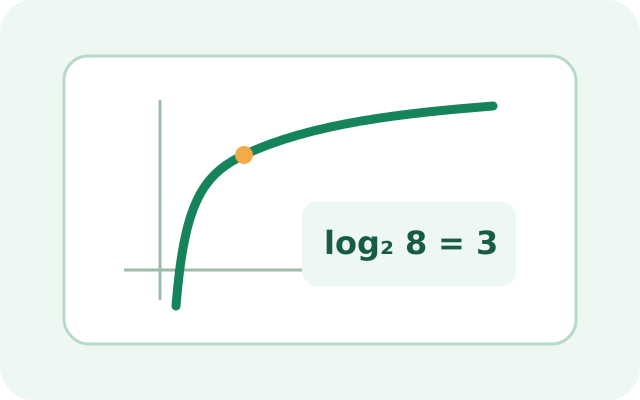
Calculate common, natural and arbitrary-base logarithms with decimal approximations, real-domain checks and an optional inverse check.
Open tool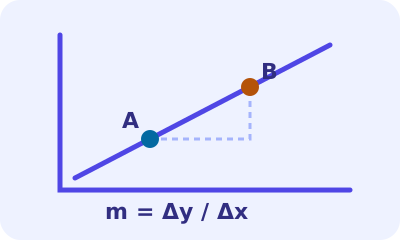
Find exact slope, intercept and equation through two points, with distance and an accessible adaptive plot.
Open tool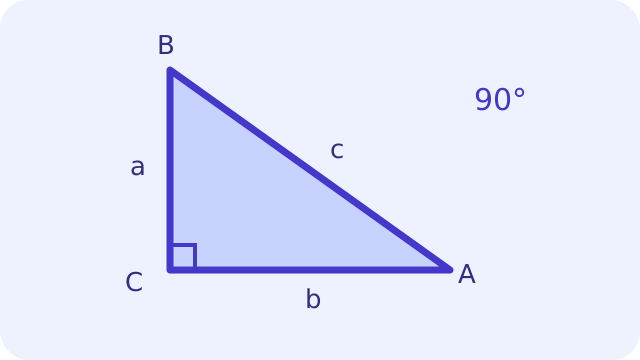
Solve two sides or an acute angle and one side for all lengths, angles, area and perimeter with a labelled diagram.
Open tool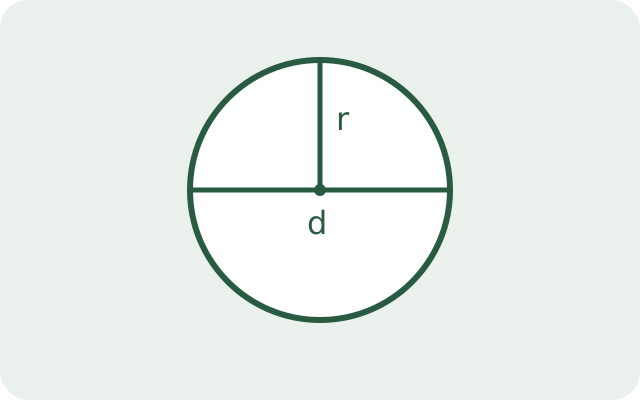
Find a circle's radius, diameter, circumference or area from one known value.
Open tool
Find the mean, median, mode, sum and range of a list of numbers.
Open tool
Find percentages, percentage changes, increases, decreases and differences.
Open tool
Find an aspect ratio or calculate matching image dimensions.
Open tool
Calculate a tip, round up if you want and split the bill between people.
Open tool
Pick random numbers in a range, with an option to prevent repeats.
Open tool
Add, subtract, multiply, divide and simplify fractions and mixed numbers.
Open tool
Calculate a weighted grade or the score needed on a remaining assessment.
Open tool
Simplify ratios, divide a total or find a missing value in a proportion.
Open tool
Convert whole numbers between binary, decimal, hexadecimal and other bases.
Open tool
Convert numbers from 1 to 3,999 to Roman numerals or check a Roman numeral.
Open tool
Generate a sequence of numbers with a chosen start, step and length.
Open tool
Generate linked fictional customers, transactions and documents with configurable fields and multiple exports.
Free account requiredOpen toolIncreasing a value by a percentage and then decreasing it by the same percentage generally does not restore the original. A percentage change from zero has no ordinary percentage baseline.
A proportional dimension may require rounding when used as a pixel count. Review the disclosed rounding and resulting ratio before exporting; calculating dimensions does not resize an image.
Your tool inputs stay in your browser. Optional analytics track these page visits only, not your files or text. Privacy.